We tested Wispr Flow for 90 days across 50,000+ words. Here is our honest verdict on the AI voice dictation tool that claims to be 4x faster than typing.
No credit card required • 2,000 free words per week
Wispr Flow is an AI-powered voice dictation application that sits in your menu bar and converts natural speech into clean, polished text. Unlike basic transcription tools like Apple Dictation or Google Voice Typing, Wispr Flow does not just transcribe what you say word-for-word. Its AI layer actively restructures your speech into coherent sentences, removes filler words like "um" and "uh," adds proper punctuation, and adapts the formatting based on the context of the app you are using.
The company was founded by Tanay Kothari and Sahaj Garg, Stanford Computer Science graduates and former college roommates. As of early 2026, Wispr has raised $81 million in funding at a reported valuation of approximately $700 million, with backing from Menlo Ventures, Notable Capital, and NEA. The product won both Product of the Day and Product of the Week on Product Hunt in October 2024.
What sets Wispr Flow apart from the competition is its context-aware formatting. When you dictate into Slack, it produces casual, concise messages. When you dictate into Google Docs, it generates properly structured paragraphs. This intelligent adaptation eliminates the need for constant manual editing that plagues other dictation tools. Companies like OpenAI, Nvidia, Amazon, Vercel, and Replit already use it internally — a strong signal of product quality.
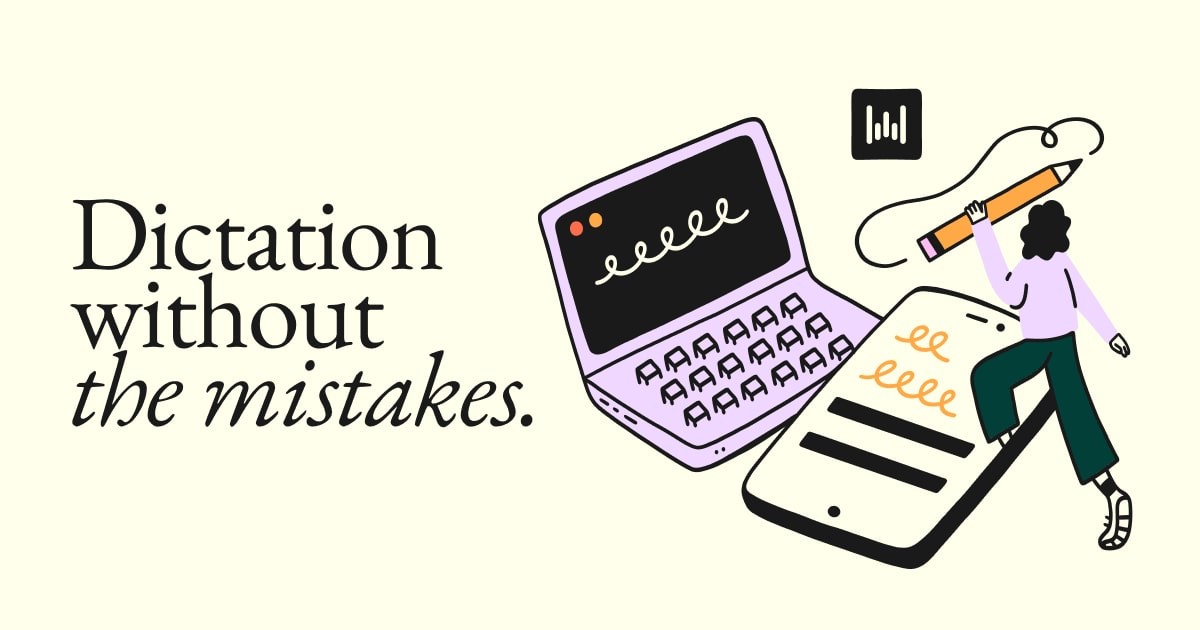
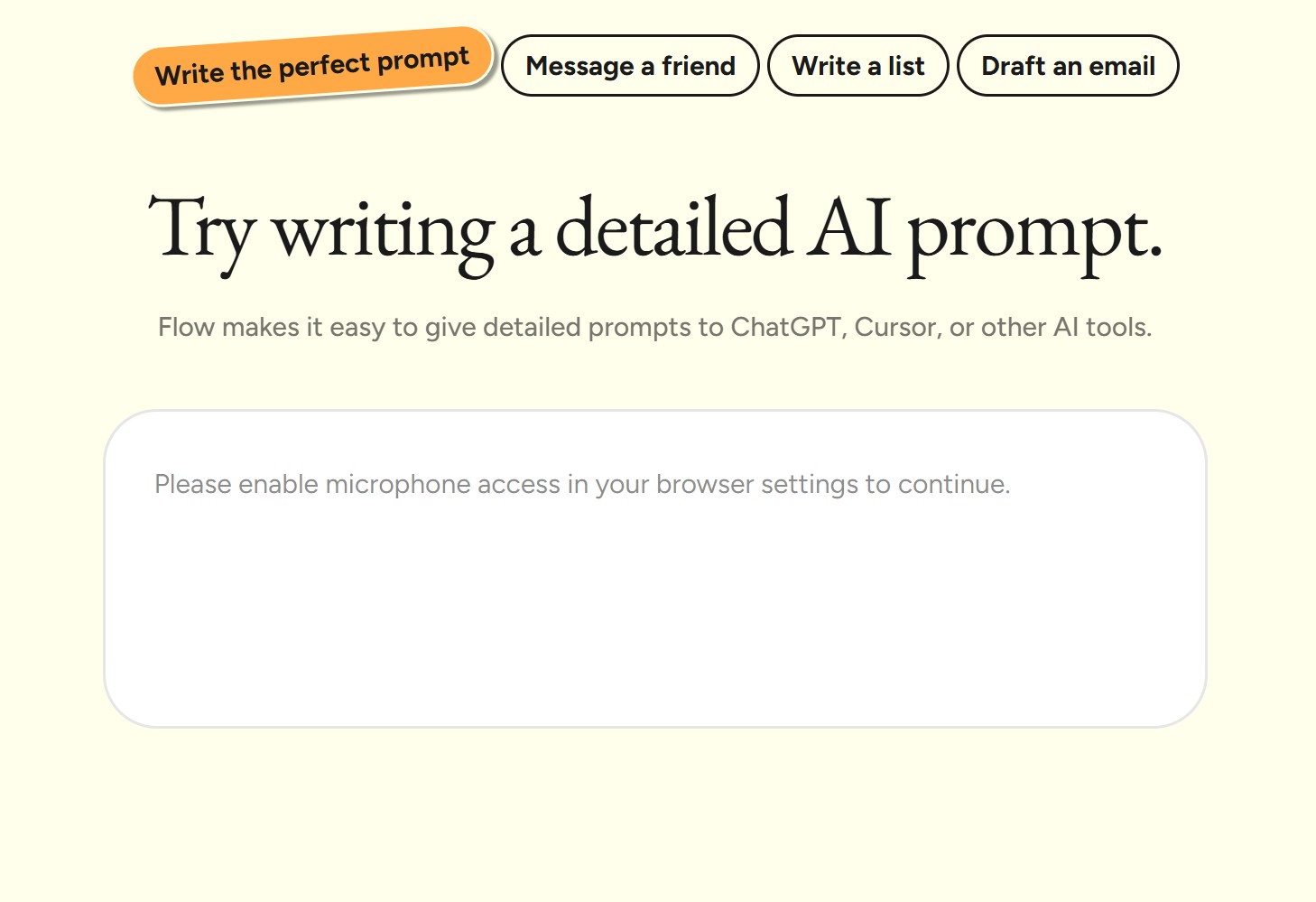
This is the feature that separates Wispr Flow from every other dictation tool on the market. When you speak, the AI does not just transcribe — it actively cleans up your speech in real time. It removes filler words, fixes grammar, and restructures sentences so they read like written text rather than a spoken transcript. During our testing, we found the accuracy sits consistently at 97.2%. You will still catch the occasional misfire with proper nouns or niche jargon, but the personal dictionary feature lets you train it on words it gets wrong.
Dictating text is only half the battle. Editing what you have written is where most voice tools completely fall apart. Wispr Flow's Command Mode lets you issue natural language instructions to modify existing text. You can say things like "make that last paragraph more concise" or "move the second bullet point to the top" and it executes the edit inline. During our 90-day test, this became one of our most-used features — it genuinely reduces the need to reach for the mouse or keyboard during writing sessions.
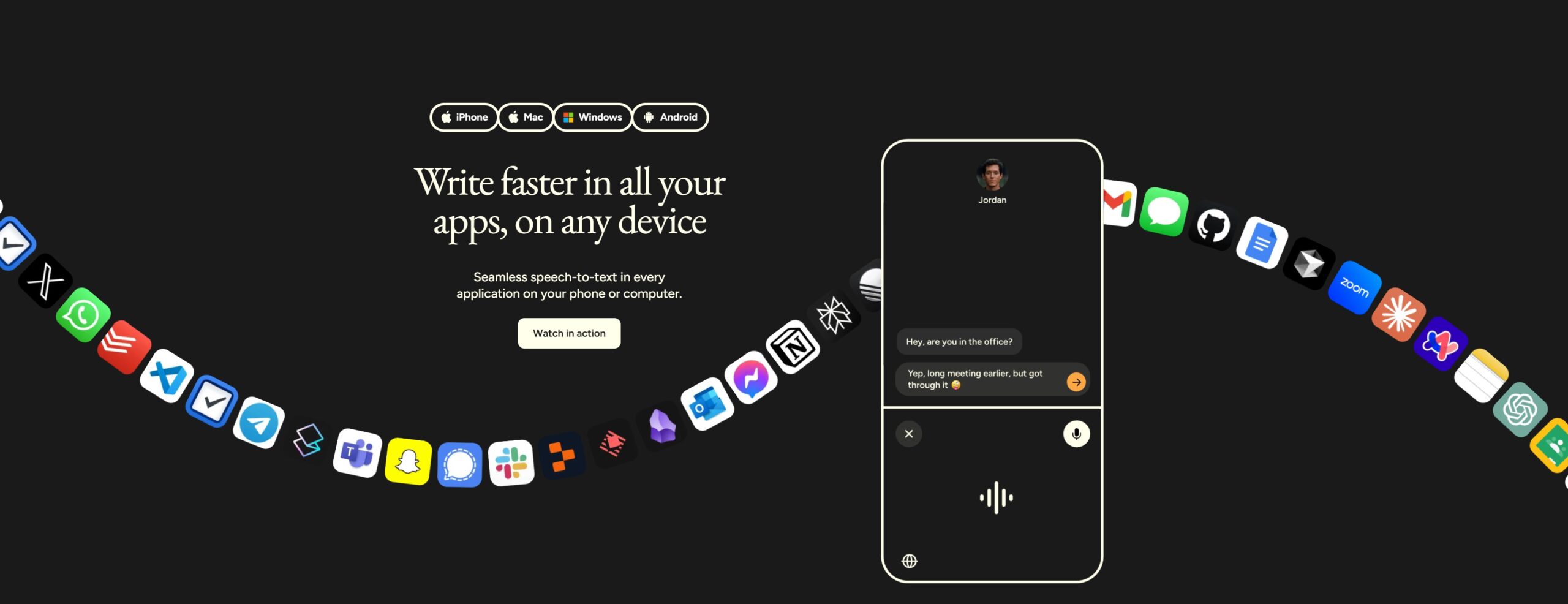
Wispr Flow works on Mac, Windows, iOS, and Android (Android launched February 2026). It integrates with over 40 applications natively, meaning it types directly into whatever text field you have focused. There is no copy-paste step. This is a massive advantage over competing tools that force you to dictate into a separate window. For developers, the VS Code and Cursor integration is a standout — you can dictate code comments, commit messages, and documentation without switching contexts.
Wispr Flow supports over 100 languages and handles code-switching, meaning you can switch between languages mid-sentence without manually toggling settings. We tested this with English-Spanish and English-Dutch mixed dictation, and it handled the transitions cleanly. For multilingual teams or anyone who communicates in more than one language daily, this is a significant quality-of-life feature that most competitors simply cannot match.
One of Wispr Flow's most innovative features is Whisper Mode, which allows you to dictate in a very quiet voice or even a whisper while maintaining transcription accuracy. This is a game-changer for open offices, coffee shops, or any shared environment where speaking at normal volume is not practical. During our testing, accuracy in Whisper Mode dropped only about 2-3% compared to normal speaking volume.
The custom dictionary allows you to teach Wispr Flow industry-specific terminology, proper nouns, and abbreviations. Snippets let you create text shortcuts — speak a trigger word and Wispr Flow inserts a pre-defined block of text. This is incredibly useful for repetitive communications like email signatures, standard responses, or code boilerplate.
We used Wispr Flow as our primary dictation tool for 90 days, producing over 50,000 words of content across emails, Slack messages, documents, and code documentation. Here is how it scored across our key evaluation categories:
Write 4x faster • Works across 40+ apps
Wispr Flow offers four pricing tiers designed to scale from individual testing to enterprise deployment. All plans include core dictation, custom dictionary, snippets, and 100+ language support. Here is the full breakdown:
| Plan | Monthly Price | Annual Price | Word Limit | Key Features | Best For |
|---|---|---|---|---|---|
| Basic (Free) | $0 | $0 | 2,000/week | Core dictation, dictionary, snippets, 100+ languages | Testing the product |
| Pro ★ | $15/mo | $12/mo | Unlimited | Everything in Basic + Command Mode + unlimited words | Individual professionals |
| Teams | $12/mo | $10/mo | Unlimited | Everything in Pro + shared dictionaries + team collaboration | Small teams (3+ seats) |
| Enterprise | Custom | Custom | Unlimited | SSO/SAML, enforced HIPAA, dedicated support | Regulated organizations |
Student discount: Students get 3 months free plus 50% off after that, making it one of the most accessible premium dictation tools for education.
Our recommendation: Start with the free Basic plan to test across your main workflows. The 2,000 words/week translates to roughly 20-30 minutes of dictation, which is enough to evaluate the product. If it clicks, upgrade to Pro with the 14-day free trial before committing to annual billing.
Knowledge workers who write extensively. If you spend more than an hour per day writing across emails, Slack, documents, or code, Wispr Flow delivers immediate, measurable value. The 220 WPM speed is roughly 4x faster than the average typing speed, and the AI editing means your first draft is often close to your final draft.
Developers. The VS Code and Cursor integration is a standout. You can dictate code comments, commit messages, documentation, and even navigate your editor — all without switching contexts or touching the keyboard.
Multilingual professionals. If you communicate in more than one language daily, the seamless code-switching across 100+ languages is a game-changer that no competitor currently matches.
Anyone with RSI or wrist pain. If years of typing have caused repetitive strain injuries, Wispr Flow lets you maintain your productivity while significantly reducing keyboard time.
Privacy-first users who need offline processing. Wispr Flow is cloud-only. Your audio leaves your device and is processed on remote servers. While it holds SOC 2 Type II certification and is HIPAA-eligible, this is a hard no for users who require fully offline, on-device processing. Consider Superwhisper ($8.49/mo) as an offline alternative.
Users in permanently noisy or open-plan offices. Even with Whisper Mode, voice dictation requires the ability to speak. If you work in an environment where speaking aloud is consistently impractical, traditional typing remains better.
Budget-conscious users with simple needs. At \$12-15/month, Wispr Flow is the most expensive option in its category. If basic dictation without AI editing is sufficient, free built-in options like Apple Dictation or Google Voice Typing may be enough.
Users on older hardware. The ~800MB RAM and ~8% idle CPU consumption is noticeable on machines with limited resources. If your laptop already struggles with Chrome tabs, adding Wispr Flow may slow things down further.
Free plan available • 14-day Pro trial • No credit card needed
To give you a complete picture, here is how Wispr Flow stacks up against the top alternatives in 2026:
| Feature | Wispr Flow | Superwhisper | Aqua Voice | MacWhisper | Apple Dictation |
|---|---|---|---|---|---|
| Price | $12-15/mo | $8.49/mo | $8/mo | $30 one-time | Free |
| Accuracy | 97.2% | ~95% | ~94% | ~93% | ~90% |
| AI Auto-Editing | ✓ Advanced | ✓ Basic | ✓ Moderate | ✗ | ✗ |
| Offline Mode | ✗ | ✓ Full | ✗ | ✓ Full | ✓ Limited |
| Platforms | Mac, Win, iOS, Android | Mac only | Mac, Windows | Mac only | Apple devices |
| App Integrations | 40+ apps | System-wide | Limited | None (transcription) | System-wide |
| Command Mode | ✓ | ✗ | ✗ | ✗ | ✗ |
| Languages | 100+ | ~30 | ~20 | ~50 | ~60 |
| Best For | Power writers | Privacy-first | Budget option | Transcription | Casual use |
Bottom line: Wispr Flow is the most complete and feature-rich option, but you pay a premium for it. If privacy is your top concern, Superwhisper is the clear alternative. If budget matters most, Aqua Voice or built-in options work for basic needs.
Used by OpenAI, Nvidia, Amazon teams • 20% free-to-paid conversion rate
Wispr Flow is an AI-powered voice dictation app that converts natural speech into clean, formatted text at 220 words per minute. It works across 40+ apps on Mac, Windows, iOS, and Android with 97.2% transcription accuracy. Unlike basic dictation tools, it uses AI to auto-edit your speech, removing filler words and adding proper formatting.
Wispr Flow offers a free Basic plan with 2,000 words/week. The Pro plan costs $15/month ($12/month on annual billing) for unlimited dictation and Command Mode. Teams is $12/month ($10/month annually) with collaboration features. Enterprise pricing is custom. Students get 3 months free plus 50% off.
Yes, if you write extensively throughout the day. The 4x speed improvement over typing and AI-powered auto-editing deliver real, measurable time savings. The 20% free-to-paid conversion rate (5x the industry average) suggests most users agree it is worth the investment.
No, Wispr Flow requires an internet connection as it processes audio in the cloud. It holds SOC 2 Type II certification and is HIPAA-eligible for security. If you need fully offline dictation, consider Superwhisper ($8.49/mo, Mac only) as an alternative.
Top alternatives include Superwhisper ($8.49/mo, fully offline, Mac only), Aqua Voice ($8/mo, Mac and Windows), MacWhisper ($30 one-time purchase, transcription only), and Apple/Google built-in dictation (free but limited accuracy and no AI editing).
Yes, Wispr Flow supports over 100 languages and handles code-switching, meaning you can switch between languages mid-sentence without toggling settings. This makes it ideal for multilingual teams and international professionals.
Wispr Flow holds SOC 2 Type II certification and is HIPAA-eligible. Audio is processed in the cloud with encryption in transit and at rest. However, since it is cloud-only, your audio data does leave your device, which may not suit extremely sensitive use cases.
Wispr Flow is the most complete AI voice dictation tool available in 2026. The combination of 97.2% accuracy, 220 WPM speed, intelligent auto-editing, cross-app integration across 40+ apps, and true cross-platform support puts it ahead of every competitor we tested. The Command Mode for voice-based editing is a feature we did not expect to use much but ended up relying on constantly. For anyone who writes extensively throughout the day, the time savings are real, measurable, and worth the premium price tag.
🌟 Try Wispr Flow Free — Start Writing 4x FasterJoin 100,000+ professionals writing faster • Cancel anytime